 Voptrack
Track anything, your way.
Your health, your training, your money. The people, pets and things you look after. One app for the things that matter to you.
No account needed to start. Your records, your choice.
Explore the app

Your records are yours.
You control what you record, keep and share. Start without an account. Export your records to use in other apps, keep your own backups, or erase them when you choose.
Your data, your choiceReady-made for everyday life.
Choose from a broad library of ready-made Tracks for health, training, money, home, pets, habits and more. Start recording straight away. When you need something extra, adapt a Track or create your own with the fields you choose.
Ready-made and custom TracksA little record. A clearer picture.
Your usual things, one tap away.
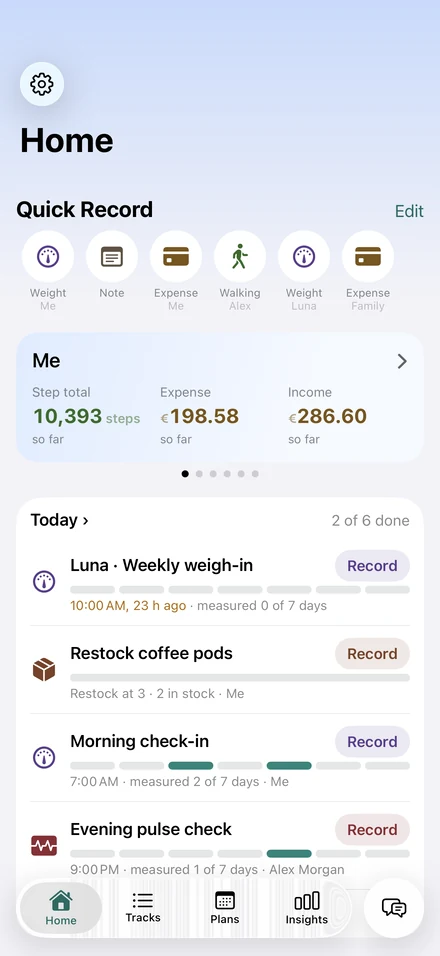
Quick Record keeps the Tracks you use most at the top of Home. Add a record, see what's due today, and get on with your day.
- Health
- Weight, blood pressure, medicine and how you feel.
- Training
- Runs, walks, hikes and gym sets.
- Money
- Spending by category and a budget to keep an eye on.
- Everyday life
- Your cat's meals, the house's meter readings, the car's mileage.
Tracks
Keep the details together.
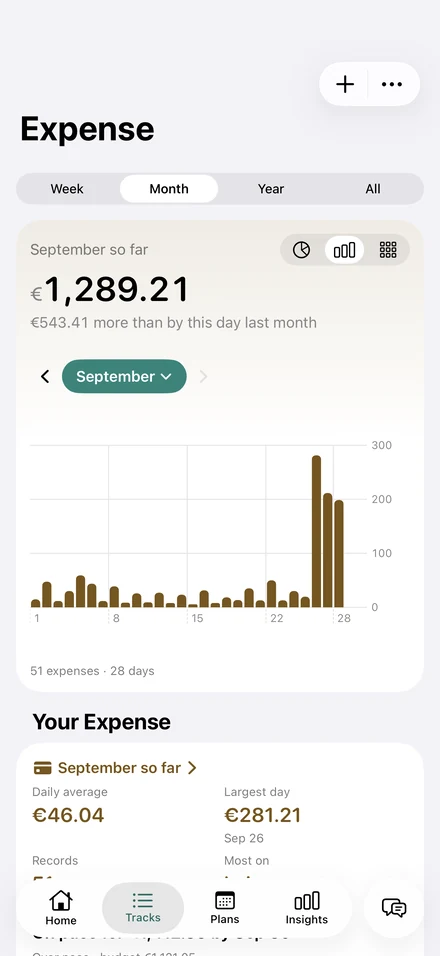
An expense, a measurement, a note worth keeping. Each Track has its own page and history, so you can find your records and see how they change.
- Pick a ready-made Track and start recording.
- Keep photos, videos, files and voice notes alongside your entries.
- Find past records on each Track's own page.
When you need something extra
Extend what’s already there.
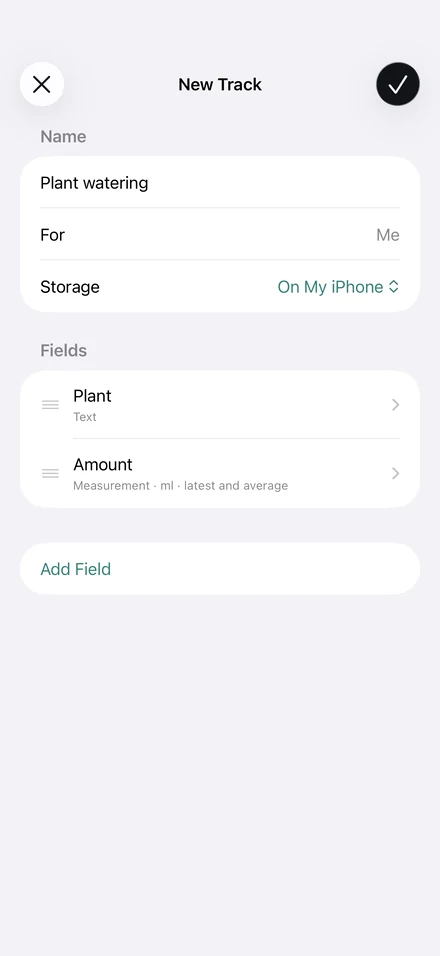
Ready-made Tracks cover many everyday needs. When you want something different, adapt one to suit you or create a fully custom Track from scratch.
- Add and arrange the fields you want to record.
- Combine notes and numbers, like a plant's name and how much water it gets.
- Make Tracks for the people, pets and things you look after.
Insights and Highlights
See more than today's number.
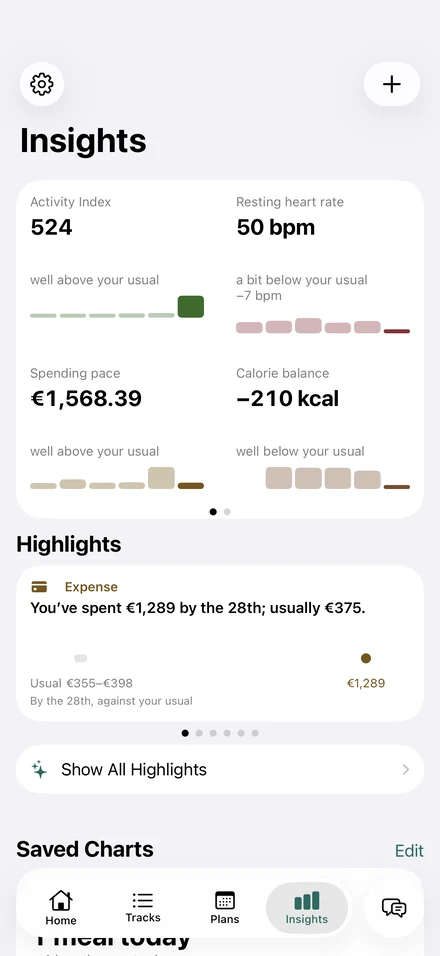
Look back at how things have changed and compare this month with the last. Highlights draw your attention to what's different from your usual.
- Explore your charts by week, month or year.
- Put two Tracks side by side to explore patterns.
- Discover Highlights after about two weeks of records.
- Share a PDF report covering the dates you choose.
Plans
Keep the next step in sight.
Doses, habits, budgets and training. Plans keep what you mean to do on schedule, with reminders when you want them.
- Mark a medicine dose Taken or Skipped.
- Follow a habit or see how much of a budget is left.
- Find what's due across your plans in Today.
- Turn on notifications for the reminders you want; your phone's settings control delivery.
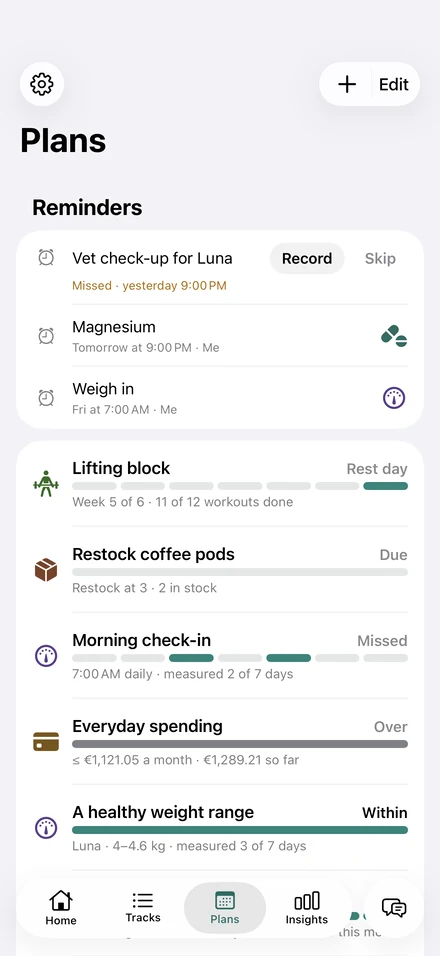
Everyone and everything you look after
For people, pets and things.
Each person, pet or thing has its own page, Tracks and plans. Keep a child's temperature, your cat's feeding, your house's meter readings and your car's mileage in the same app.
- Separate records for yourself and the people you care for.
- Ready-made Tracks and medicine plans for pets.
- Your own Tracks for the house, car and other things you look after.
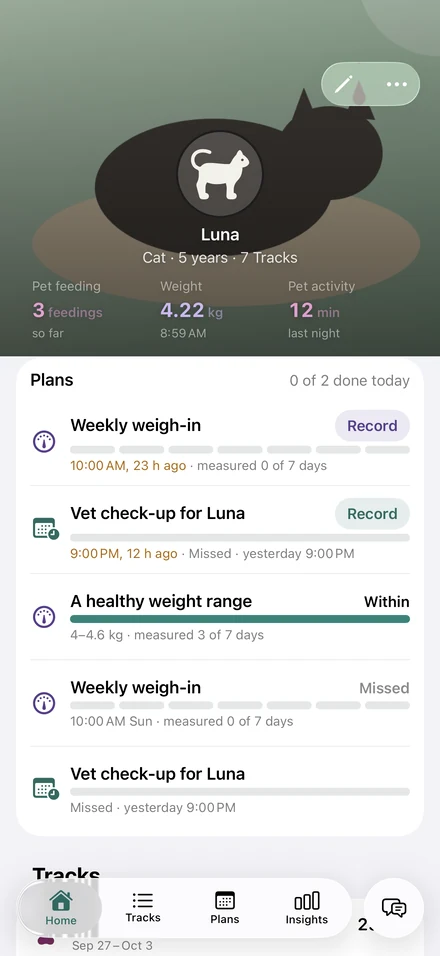
Chat
Ask in your own words.
Ask about your records in plain English, or type “spent 12 on lunch” to prepare an entry you can check and save. Answers show the records they use. Everyday recording and questions about one Track work without Apple Intelligence.
On a supported iPhone with Apple Intelligence turned on, you can ask more flexible questions and use Read a Document in English, where available. AI works on your iPhone, and you check the details before saving.
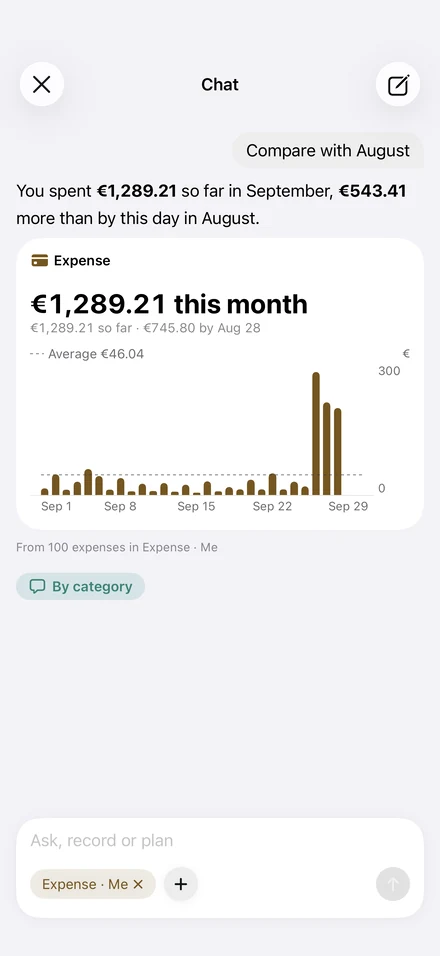
Your data is yours
Keep control of your records.
Take your records with you: export a table for Numbers or Excel, a PDF report, or a file you can bring back into Voptrack. Back up, restore or erase your records when you choose. Start without an account; your records stay on your device unless you choose to export, share or connect a server. If you connect a server, its sharing rules apply.
Optional connection
Works with Apple Health.
See Apple Health figures alongside your own records, whenever you choose to connect. Voptrack reads, never writes, and keeps nothing: Health data stays in Health. Include Health figures in an export only when you choose.
Optional connections
Connect when you need more.
Use Voptrack on its own, share chosen Tracks with your household through Home, or join a study through Research. The open, free Tessera protocol also gives you the freedom to build your own compatible server and connect it to the app.
Open source. Completely free.Home and Research are free to use and open source under Apache 2.0. Choose your own hardware or hosting.
Explore Home and Research